Claude Now Accesses Browser Tabs While You Work on Your Desktop

Enhancing the Claude Browser Extension
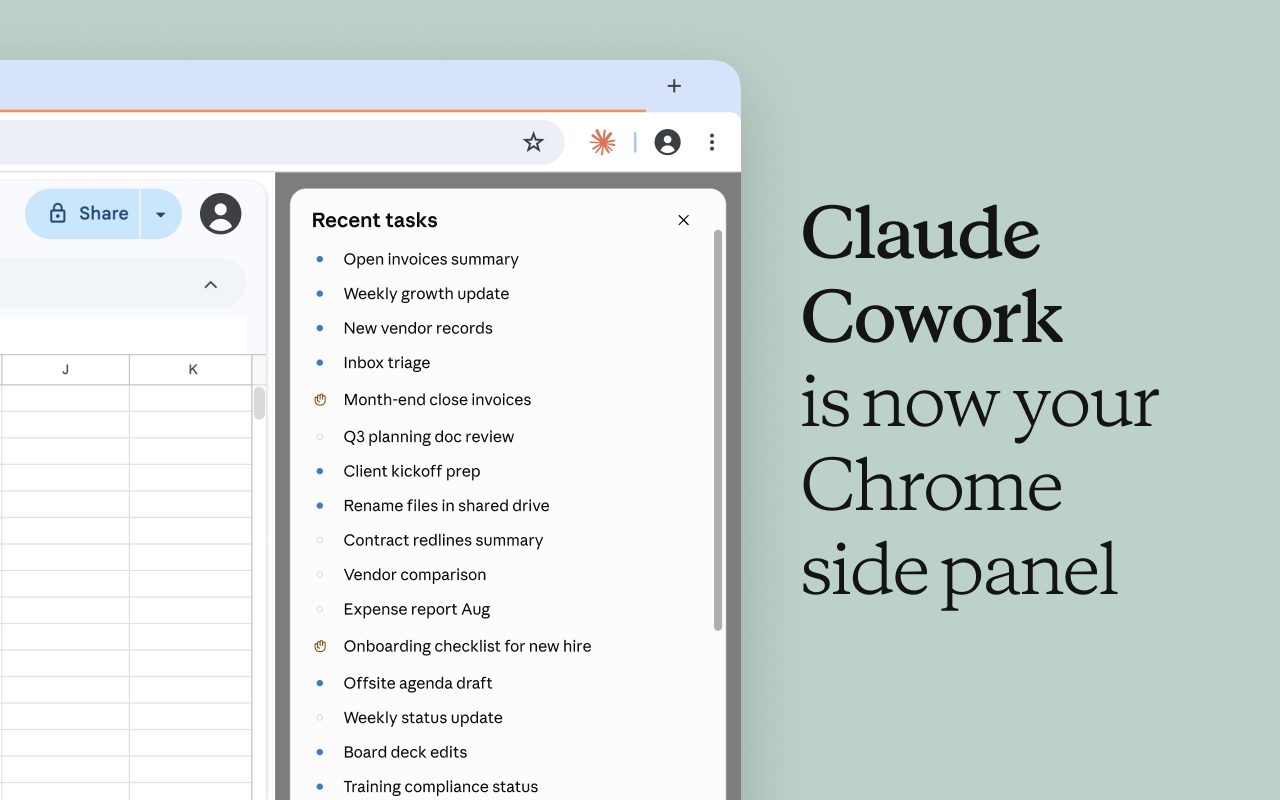
Anthropic has significantly upgraded its Claude browser extension, making it more intelligent and capable of remembering user conversations across desktop, web, and mobile platforms. The Claude in Chrome side panel now operates as a full Claude Cowork session, allowing users to carry over their conversations, skills, and connectors between their browser and the Claude desktop, web, and mobile apps. Previously, browser sessions were entirely separate from other activities, requiring users to start over when switching devices.
How Claude in Chrome Works Now
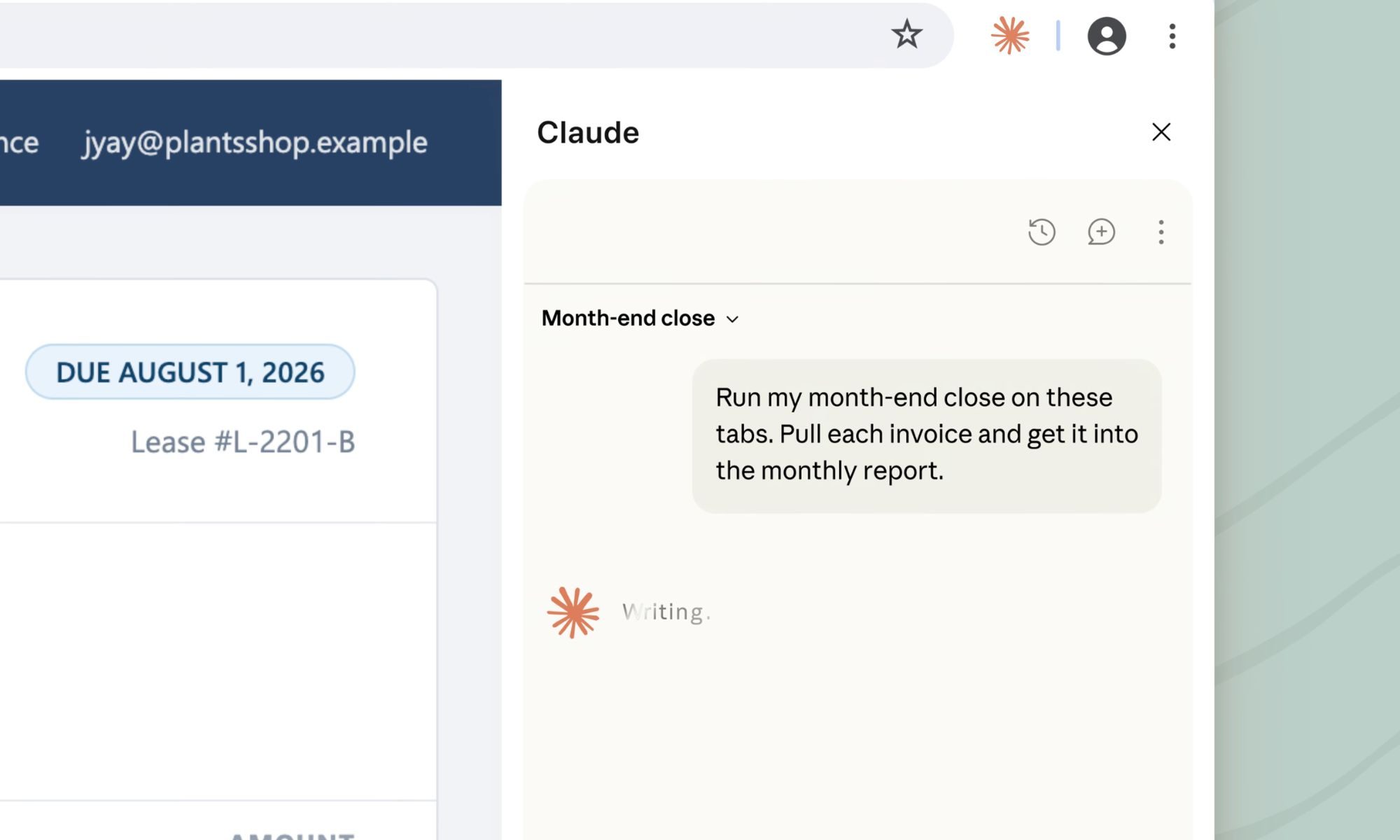
Claude in Chrome can now view the webpage you’re currently on and perform real actions within it. This includes clicking links, typing text, filling out forms, and navigating between pages using your existing logins. This functionality is particularly useful for tools that don’t directly connect to Claude, such as internal dashboards, legacy systems, or vendor portals.
For instance, if you need to create a budget spreadsheet using invoices scattered across several vendor sites, Claude can open each tab, extract the amounts and dates, and begin building the spreadsheet for you. Since these sessions are now tied to your account rather than a single device, you can resume the same task later on the desktop app, add local files, or compare it with last month’s numbers.
Expanding Claude’s Web Interaction Capabilities
Anthropic has also been broadening how Claude interacts with the web. One notable addition is a separate in-app browser for Claude Code, which allows it to read documentation without leaving the coding environment. This improvement enhances the overall user experience by providing seamless access to necessary information while working on code.
Addressing Safety Concerns in Browser Automation
Allowing an AI agent to act within your browser introduces real risks, primarily prompt injection. This occurs when hidden instructions embedded in a webpage or document can redirect AI agents without your knowledge. This is not a hypothetical issue, as recent security research has repeatedly highlighted serious flaws in various AI browsing tools.
To mitigate these risks, Anthropic has introduced a new check that reviews any consequential action, such as submitting a form or sending a message, against your original request before it occurs. While this feature adds a layer of security, Claude will still ask for permission before performing actions like making a purchase or sharing personal information.
Availability of the Update
The update is currently available for Max and Team plans, with Pro access set to roll out in the coming weeks. Enterprise administrators can enable the feature selectively by domain, ensuring that it meets the specific needs of their organization.