Forgot Password No Longer Dizzy: Google Adds Selfie Video Feature To Secure Account, Is It Really Free Deepfake?

Have you ever experienced a stressful situation when you suddenly forgot your Google account password, while your phone is missing or the registered number is no longer active? Being outside the digital ecosystem itself is certainly a nightmare for anyone in today’s modern era. Understanding the crucial issue, the technology giant Google has officially launched the newest security and account recovery method that utilizes the user’s face biometric scan: Selfie Video Sign-in.
Based on the official report of the announcement of Google Identity & Engagement recently published, this innovation is presented as an alternative safety net when conventional methods such as passwords and two-factor authentication fail to be accessed. However, in the midst of the rise of digital engineering and threats Deepfake Based on artificial intelligence (AI), how safe is this facial-based recovery feature? The following is an in-depth review from the editor of Lidahtekno.com.
How Selfie Video Sign-in Works: Not Just Ordinary Photos
Many users may be wondering, what is the difference between this selfie video feature and the regular face unlock feature that already exists on a smartphone? Adapted from the technical review of Help Net Security, Google implements a multi-layered mechanism that combines 3D face geometry matching with direct physical presence tests.Liveness Check).
When the user activates this feature through the account settings, Google will ask the user to point the front camera of the phone or laptop, then follow the visual instructions to move the head left, right, or top. This registration process records the biometric structure of the face from various angles to form a basic reference point (baseline embedding).
“This selfie video is only used to help you sign in to your account unless you choose to share it for additional testing purposes.Encrypted at Rest), which means the data is stored safely even when it is not in use,” explained John Gronberg, Director of Product Management Google with Claire Forszt, Product Manager of Google Identity and Engagement, in an official release.
When later you lose account access and choose the recovery method via video selfie, Google’s AI system will ask you to record new short videos instantly while performing random interactive movements. This step is taken to ensure that those in front of the camera are real humans in live sessions, not printed photos, old video recordings, or engineering Deepfake made by hackers.
Why does Google choose biometrics? The End of the Traditional Password Era
Google’s step of adding selfie video is part of the technology industry’s long-term strategy to eliminate reliance on passwords.Passwordless Future). As quoted from The Hacker News, the text password is now the weakest link in cyber defense due to the proliferation of data leakage techniques and hacker AI tools such as Passgan who are able to guess the human password pattern in seconds.
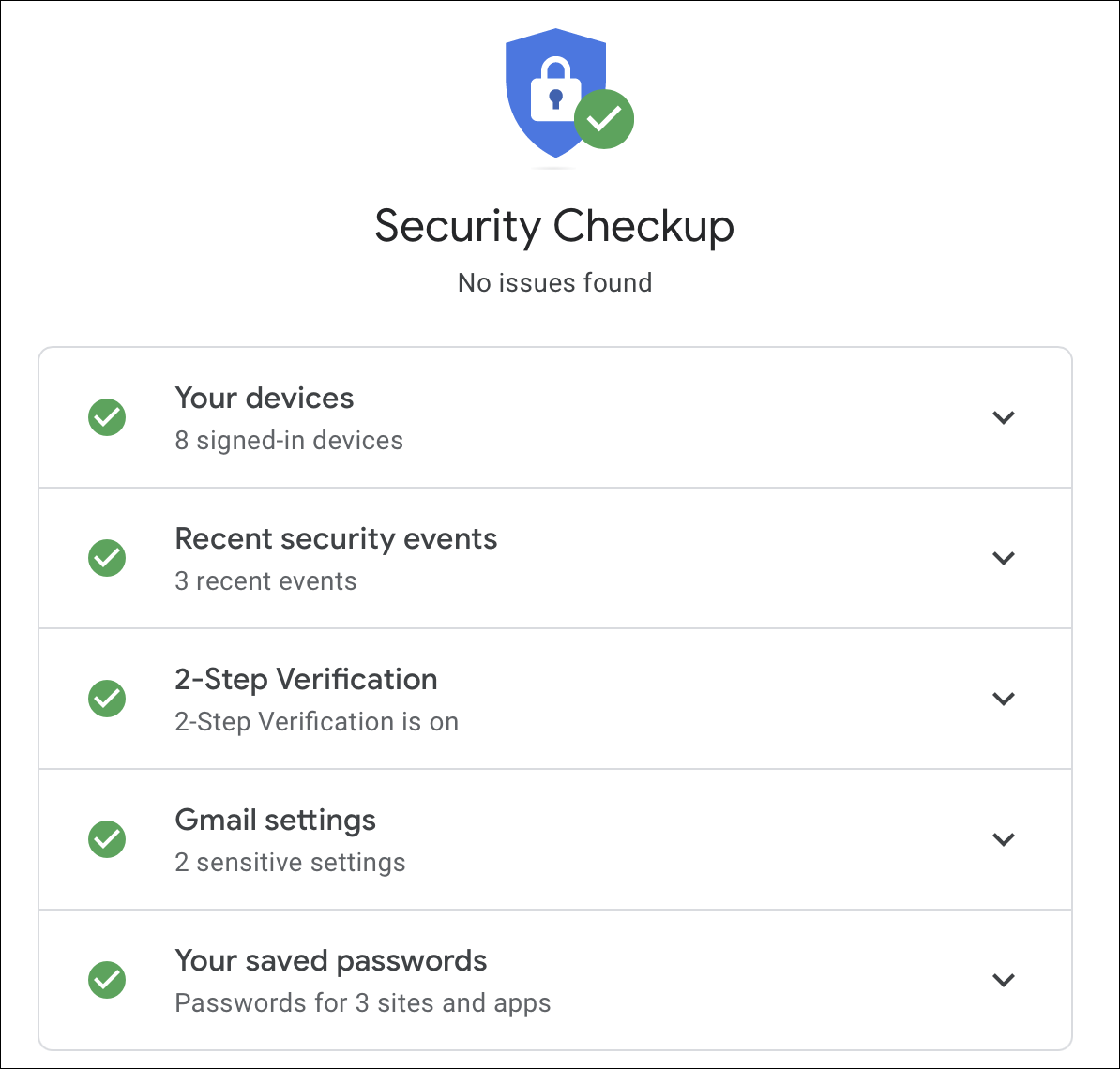
Although multi-factor authentication (MFA) methods such as OTP code via SMS or authenticator application are highly recommended, this method often encounters problems when the user’s main device is lost or damaged. It is in this emergency that the facial biometric recovery feature acts as a “backup key” that is always attached to the user.


Biometric Data Privacy: Is Our Face Recording Safe?
Behind its convenience, biometric data collection has always sparked heated debate among digital privacy observers. Referring to the analysis of the cyber specialist Malwarebytes broadcast via Security Boulevard, storing face video footage at risk of becoming an easy target if not managed with high transparency.
Responding to these concerns, Google emphasizes some strict restrictions in order to maintain user privacy:
- Full user control: This feature is optional (Opt-in). Users have the right to delete selfie video recordings at any time directly through the Google Account Control Dashboard.
- High level encryption: Records are stored in encryption form (Encrypted at Rest) and not distributed to third parties.
- AI evaluation options: Users can refuse (opt-out) If you don’t want the video data to be used by Google to train or test facial recognition models in the future.
- Account Restrictions: This feature is not available for Google Workspace (Corporate) accounts, minor accounts, and accounts registered in Advanced Protection Program.
Editor’s Important Notes: This recovery feature must be proactively enabled first while you still have access to the account. You can’t register a selfie video when your account is already locked!
Practical Guide: How to Enable and Remove Video Selfie Feature
For those of you who want to add this extra protection option to your personal Google account, here are the easy steps to adapt from the technical guide released by Business Today and Hindustan Times:
1. How to activate the feature
- Open the Google application or go to the browser then access the dashboard your Google account (myaccount.google.com).
- Select Tab Security & Login (Security & Sign-in).
- Look for options Selfie video under the menu how to enter google.
- Select button Continue (Continue) and allow camera access on your device.
- Follow the on-screen instructions to turn your head according to the guide until the 3D registration process is complete.
2. How to Delete Video Selfie Recording
- Re-enter the menu Security & Login on your Google account.
- Click on Options Selfie video.
- Press the icon Delete (Delete) in addition to the saved video recording to destroy your biometric data from the server.
Conclusion Lidahtekno.com
Addition of features Selfie Video Sign-in By Google is a pragmatic breakthrough that bridges the convenience of users with the reliability of biometric encryption. although it does not completely replace the role Passkey Or a trusted physical device, this feature offers a real solution for anyone who is often threatened with being locked out of their own digital ecosystem. The editor of Lidahtekno.com advises you to immediately evaluate this security option in the respective account dashboard to ensure a recovery backup remains ready when an emergency situation occurs.