
6 Ways to Reveal Deleted WhatsApp Chats

how to see deleted whatsapp chat on your partner’s phone
Today, almost everyone has the WhatsApp application on their smartphone. In addition to chatting, communication via voice calls or video calls has also become easier and more affordable. One of the advantages of this application compared to other chat applications is the self-destructing message feature that can be lost after some time.
Although this feature provides benefits, unfortunately, it can also be used by couples to delete chats that you don’t want to see. This can cause discomfort, especially if you are suspicious of someone who has chatted with him.
However, take it easy. There are several ways you can do to view the WhatsApp chat that has been deleted. Here are some methods you can try:
1. Direct on the WhatsApp application
The first way you can do is through the WhatsApp application itself. Open the partner’s WhatsApp application, click the three dots in the upper right corner, then click “Settings”. After that, select “Chat Menu” and look for the “Chat History” or “Chat History” option at the very bottom. Click the option, then select “Email Chat” so that all messages that have been received by the partner are sent to the email address you are aiming for.
If this method doesn’t work, you can try other methods below.
2. Via Notification Log
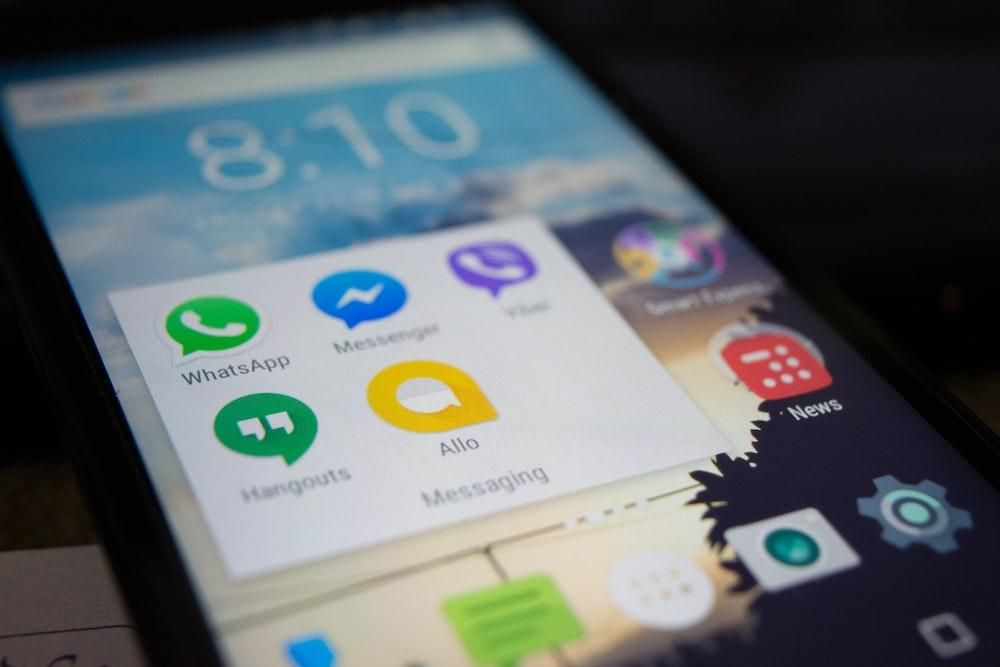
Another way to view WhatsApp chats that have been deleted is to open the notification log or notification history. Long press on the Home screen, go to the widget menu, and select “Notification Log” or notification log. Put the widget anywhere on the Home screen screen. After that, all notification history will be recorded, including the deleted WhatsApp chat.
Unfortunately, not all phones have this setting. If you can’t do this, don’t worry, there are still several other ways you can try.
3. Using the Whatsremoved+ application
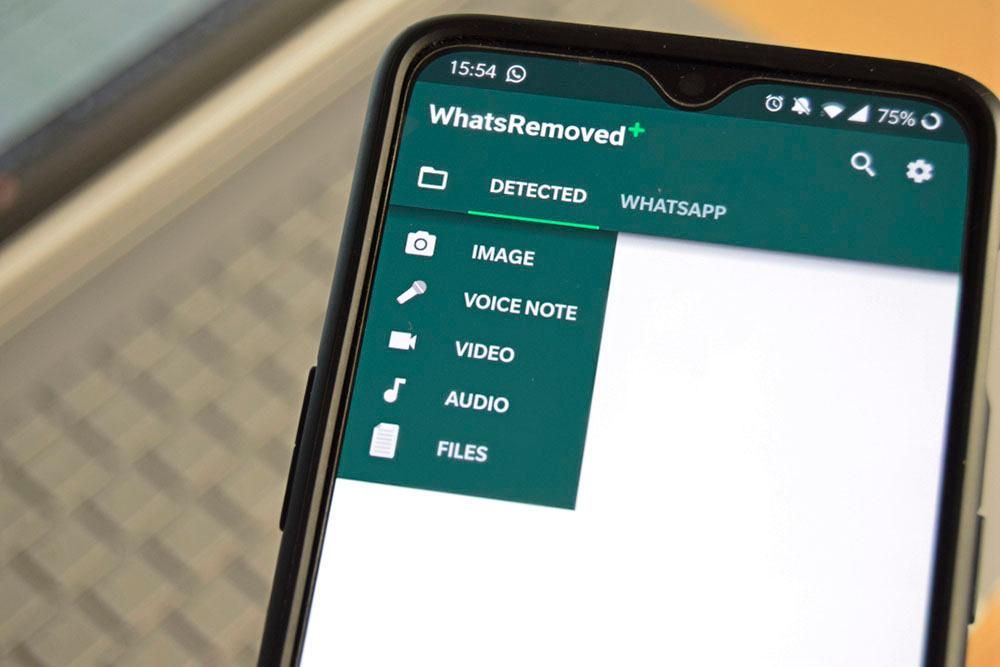
If the two methods above can’t be done, you may need help from a third-party application. One of the most popular is Whatsremoved+. This application can not only see deleted chats, but also images, videos, and audio that have been sent by a partner. Here are the steps:


- Download Whatsremoved+ on the Google Play Store.
- Go to “Settings” or “Settings”, go to the “Application” menu.
- Search for “Recent Notifications”, select the “Permission” or “Permissions” menu, then enable all the necessary access.
- Open the Whatsremoved+ application.
- Select the WhatsApp logo so that the application can record all notifications that enter the smartphone.
After that, all chats in the form of text, images, videos, and audio will be recorded.
4. Using the Notification History application
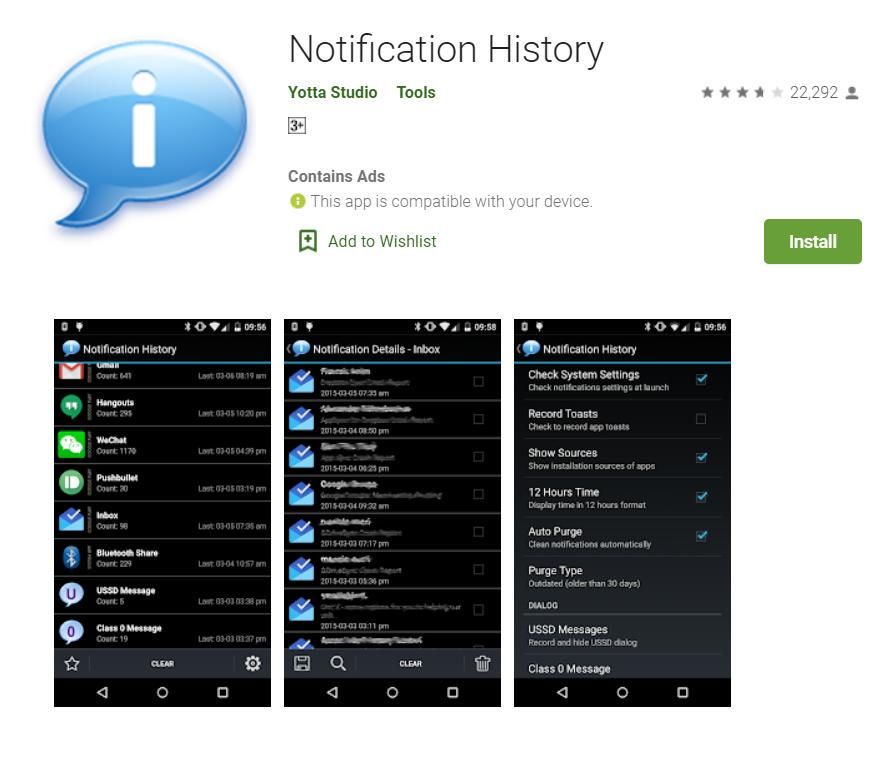
Another application that you can use is Notification History. This application can record every notification that goes to the smartphone, including the deleted WhatsApp chat. How to use it is quite easy:
- Download and install Notification History on the Google Play Store.
- Enable access notifications that the application requires in the Settings or Settings menu.
- Open the “Notification History” application, click the WhatsApp icon.
- Here you will find all the WhatsApp chat recordings that enter your partner’s cellphone.
5. Using Google Drive

WhatsApp provides a chat backup feature that can be saved to the internal mobile or Google Drive. Here’s how to do it:
- Open the “Settings” or “Settings” menu on the WA application.
- Click the “Chat” or “Message” menu.
- Select the “Backup” option to Google Drive.
- After that, select the conversation time option you want to back up.
- Wait for the backup process to complete.
6. Using the Recent Notification application
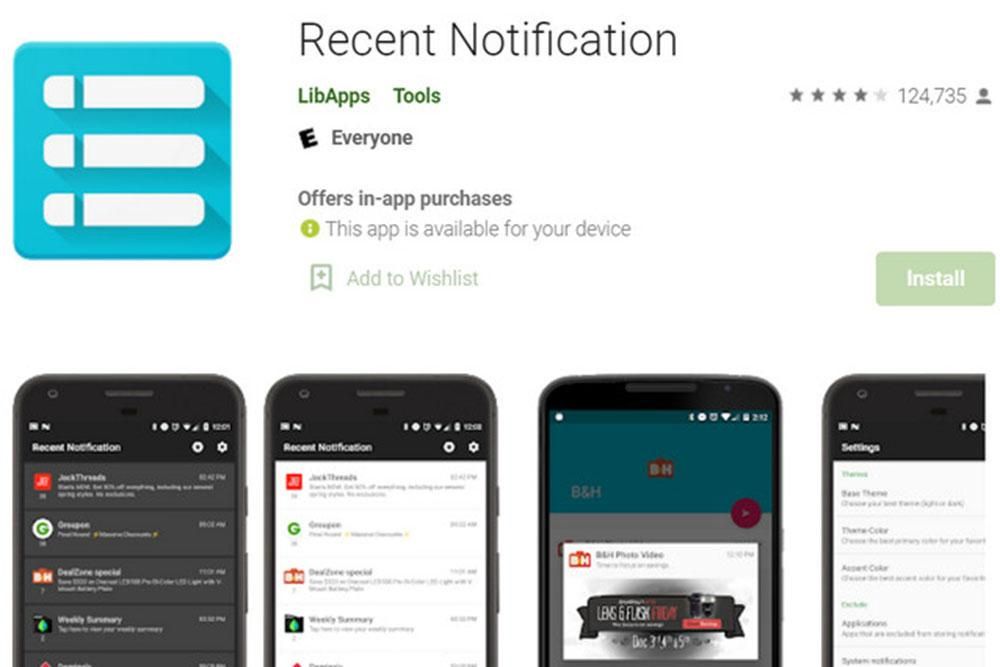
The last application that you can try is Recent Notification. This application is one of the most advanced for Android. How to use it:
- Download Recent Notifications on the Google Play Store.
- Go to “Settings” or “Settings”, go to the application menu, look for Recent Notifications.
- Go to the “Permissions” or “Permissions” menu, then enable all the necessary access.
- After that, all notifications that enter the smartphone, including WhatsApp, will be recorded by this application.
Those are some ways to see WA chats that have been deleted on your partner’s cellphone. Although the method is easy, you should not make this a habit. If you want a successful relationship, you and your partner must be honest and open to each other. Agree?


